
Do Digital Readers Improve the Reading Experience Without Harming Your Eyes?
Reading on an eReader can feel easier than a tablet for the eyes, but it depends on the kind of screen and how bright it is. Research also suggests paper still has a small edge for understanding certain types of text, especially when people read quickly or multitask.
What the Science Says
Reading is reading—but the surface changes how the brain and eyes behave. A large systematic review and meta-analysis comparing paper to screens found a small disadvantage for reading performance on screens (overall effect size about g = −0.25). The gap looked bigger for expository text (fact-heavy, informational reading) and much smaller for narrative text (stories).
The same review found no reliable difference in reading time, but it did find that readers were less accurate at judging how well they understood when reading on screens. In everyday terms: people often feel like they understood a screen text, even when their test performance is slightly lower—especially for dense material.
Eye comfort is a separate issue from comprehension. Digital eye strain (also called computer vision syndrome) includes tired eyes, blurry vision, headaches, and dry eye, and a review estimates prevalence may be 50% or more among computer users. Two main causes are highlighted: (1) focusing and eye teamwork stress (your eyes constantly adjusting and converging at near distance), and (2) dry eye problems linked to reduced blinking or incomplete blinks during screen use. This helps explain why people can feel eye discomfort even when the text is large and readable.

Brightness matters most when it is excessive for the room or used late in the day. A clinical trial comparing evening reading on a light-emitting eReader versus a printed book found that the eReader condition led to longer time to fall asleep, reduced evening sleepiness, suppressed melatonin, a later circadian clock, and lower next-morning alertness. That is a sleep and timing effect—not necessarily “eye damage”—but it can matter a lot for health and daytime performance.
This is where eReaders differ from tablets. Many dedicated eReaders use e-ink displays, which are reflective (closer to paper) and usually much dimmer than tablets. That often feels gentler for long reading sessions, while tablets and phones are brighter, more contrasty, and more likely to tempt multitasking. A common myth is that “blue light from screens is destroying the retina.”
A narrative review on blue light notes that while blue light can cause photochemical reactions in eye tissues and damage is possible in lab conditions, there is currently no evidence that normal screen and household LED use is retinotoxic to the human retina.
Another myth: “blue-blocking glasses fix digital eye strain.” Systematic review evidence shows mixed results, and meta-analysis work has not found strong, high-certainty benefits for blue-blocking lenses in reducing visual fatigue.
Related Books ▼


Master Your Focus: A Practical Guide to Stop Chasing the Next Thing and Focus on What Matters Until It's Done
Thibaut Meurisse

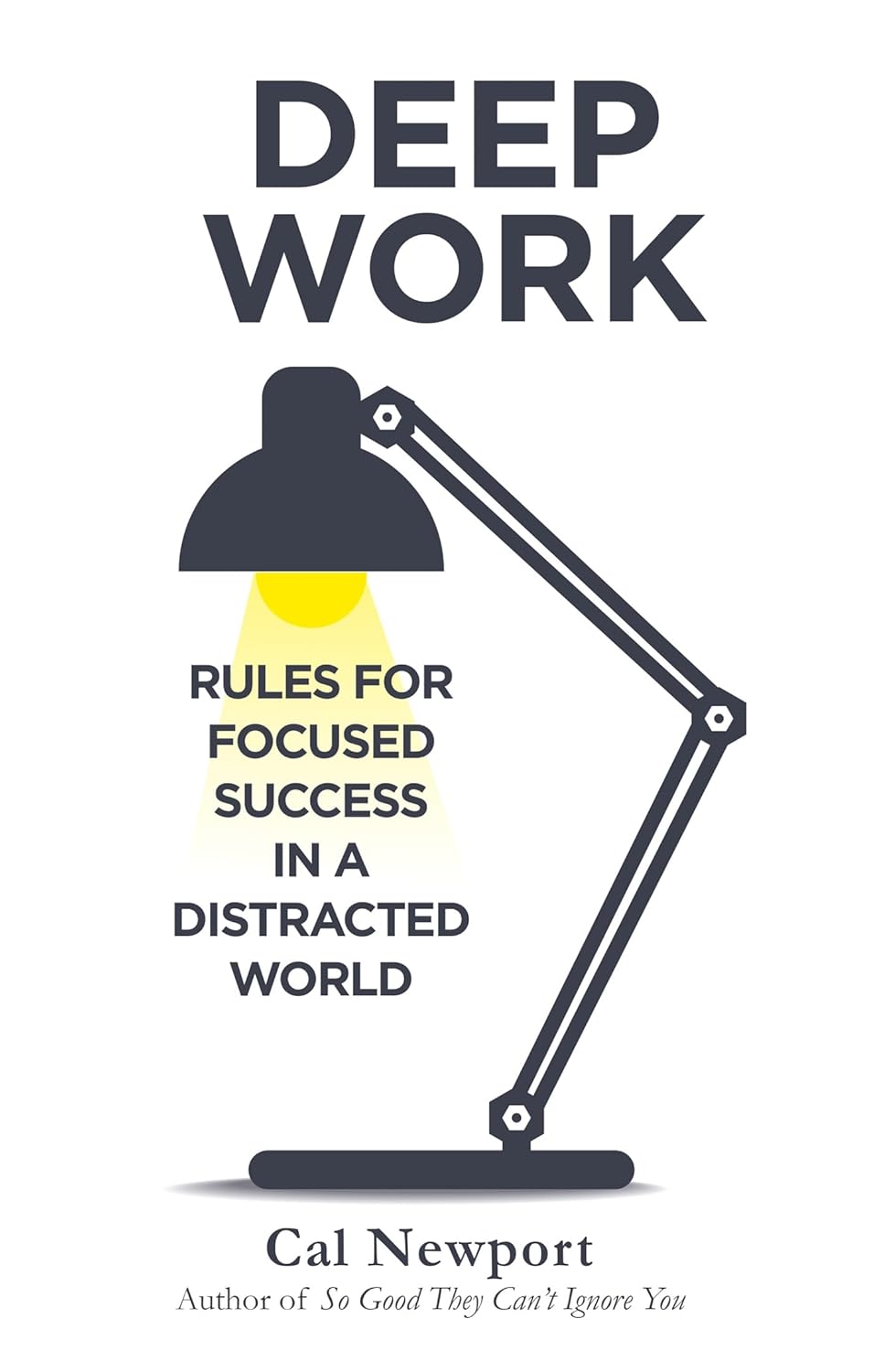
Gadgifyr could not find any relatable books about this topic that were not to advanced and/or technical.
-

Real - World Performance
⚙️ For deep studying, paper has a small advantage: screen reading showed slightly lower performance, especially for fact-heavy text.
⚙️ For comfort, e-ink often wins over tablets: reflective displays are closer to paper-like light and typically encourage fewer distractions.
⚙️ For sleep, bright screens late at night are the bigger problem: evening light-emitting eReader use worsened melatonin and next-morning alertness vs print.
⚙️ For eye strain, dryness is a major driver: reduced blinking and dry eye symptoms are key contributors during screen use.
⚙️ Blue-blocking glasses are not a guaranteed fix: evidence for reducing visual fatigue is mixed and not high-certainty.
⚙️ Simple behavior changes outperform most “eye strain gadgets”: breaks, better lighting, and correct vision correction address the main mechanisms.
Good to Know
🔍 Screen reading doesn’t always mean slower reading: studies found no reliable difference in reading time overall.
🔍 Expository (study) reading is where screens tend to lose ground: narratives often show minimal difference vs paper.
🔍 Eye strain is usually temporary but can be frequent: symptoms often come and go, yet still affect comfort and productivity.
🔍 Dry eye is not just “getting older”: screens reduce blink rate and blink completeness, which can make dryness worse.
🔍 Normal screens have no proven retina-damage link in humans: the concern is more about discomfort and sleep timing than retinal injury.
🔍 Brightness should match the room: “max brightness” in a dim room is a common trigger for fatigue and headaches.
🔍 Night reading is a special case: light exposure close to bedtime can shift circadian timing and reduce next-day alertness.
🔍 Many supplements are overhyped: evidence does not strongly support berry extracts for visual fatigue; omega-3 showed some benefit for dry eye symptoms in symptomatic users, but certainty is still limited.

Evidence-Based Reliability Score
Strong meta-analyses for reading performance and digital eye strain, plus a clear clinical trial for evening screen effects on sleep.
88%
The Consumer Takeaway
Digital reading can be perfectly healthy, but it changes two things that matter: how well people absorb information and how the eyes and body tolerate long sessions. Research comparing paper and screens shows a small but consistent advantage for paper in reading performance, especially for dense, informational text, while reading speed often stays similar across formats.
The eye side of the story is less about “damage” and more about strain: focusing at near distance for long periods, plus reduced blinking that dries the eyes. Where screens clearly matter beyond the eyes is sleep—bright, light-emitting devices used in the evening can suppress melatonin, delay circadian timing, and reduce next-morning alertness compared with reading print.
The practical takeaway is balanced: e-ink readers are often the most comfortable digital option for long reading, tablets are fine in daytime with good settings, and print remains a strong choice for studying and bedtime. The most reliable “fixes” are still basic—brightness control, breaks, and dry-eye management—rather than expensive add-ons.
Clinton, V. (2019). Reading from paper compared to screens: A systematic review and meta-analysis. Journal of Research in Reading. https://doi.org/10.1111/1467-9817.12269
Sheppard, A. L., & Wolffsohn, J. S. (2018). Digital eye strain: Prevalence, measurement and amelioration. BMJ Open Ophthalmology, 3(1), e000146. https://doi.org/10.1136/bmjophth-2018-000146
Cougnard-Gregoire, A., Merle, B. M. J., Aslam, T., et al. (2023). Blue light exposure: Ocular hazards and prevention—A narrative review. Ophthalmology and Therapy, 12(2), 755–788. https://doi.org/10.1007/s40123-023-00675-3
Chang, A.-M., Aeschbach, D., Duffy, J. F., & Czeisler, C. A. (2015). Evening use of light-emitting eReaders negatively affects sleep, circadian timing, and next-morning alertness. PNAS, 112(4), 1232–1237. https://doi.org/10.1073/pnas.1418490112
Singh, S., McGuinness, M. B., Anderson, A. J., & Downie, L. E. (2022). Interventions for the management of computer vision syndrome: A systematic review and meta-analysis. Ophthalmology. https://doi.org/10.1016/j.ophtha.2022.05.009
DID YOU GET ANY OF THAT?
Read a summarization of this page's content in question-answer format ▽ (click to open and collapse the content)
Is reading on an eReader “bad for the eyes”?
Usually it causes strain symptoms rather than permanent damage, especially if brightness is too high or sessions are long. E-ink devices often feel gentler because they are closer to paper-like light.
Is a tablet/iPad just as good as an eReader for eye comfort?
For short sessions in good lighting, it can be fine, but tablets are brighter and more stimulating, which can worsen dry eye and bedtime sleep timing. E-ink readers tend to be easier for long reading and night use when the front light is kept low.
Does screen brightness harm the eyes?
Brightness mainly increases discomfort and fatigue when it is mismatched to the room, and it can disrupt sleep when used late. Current evidence does not show normal screens “burn” the retina in everyday use.
Do blue-light glasses solve digital eye strain?
They are not a guaranteed solution, and research shows mixed results for reducing visual fatigue. Breaks, correct prescriptions, and dry-eye management are more consistently helpful.
What are the best tips for heavy screen readers and workers?
Use regular breaks (the classic 20-20-20 habit), increase text size, and keep screens at comfortable brightness with minimal glare. Blink more deliberately, consider lubricating drops if dry eye is present, and avoid bright screens in the hour before bed when possible.
Gadgets Connected to These Scientific Insights
The gadgets shown here each rely on the science discussed in this article — sometimes directly, sometimes through a clever variation of the same underlying technology.
For the best experience, we recommend reading the summary first. It gives you a quick, clear understanding of how the technology works and helps you decide whether these gadgets match what you’re looking for.
Explore other Gadget Related Articles:

Do Alexa, Siri, and Digital Agendas Actually Help You Get More Done/Stay Organized?
Voice assistants can reduce “mental load” by capturing tasks hands-free, but privacy trade-offs and over-reliance are real, and productivity gains depend more on how they’re used than on the device itself.

From Pore Vacuums to Blue Light: What Actually Treats Acne, and What Doesn’t
A science-driven breakdown of how acne develops, whether suction gadgets and blue light therapy can treat or prevent it, and the most effective alternatives for maintaining healthy, clear skin.

From Heat to Electricity: What Really Works for Period Cramp Pain?
Heat, gentle electrical stimulation, and some self-care habits can reduce period cramps for many people, but the best results usually come from combining proven methods rather than relying on one gadget.

1 / 17


About Gadgifyr
We uncover and review gadgets that genuinely make life better — from boosting focus and energy to improving everyday comfort and wellbeing.
No exaggerations, no empty promises. Just real reviews, grounded research, and practical tech that adds value — not noise.
When a gadget makes bold claims, we test the facts, check the science, and give you the clarity you need to decide with confidence.
Join the Gadgifyr Community
Stay ahead of the curve, together.
Get involved with a community that loves smart gadgets, real reviews, and tech that actually improves life.
Subscribe to the Newsletter
No spam. Just smart tech.
Get new reviews, science insights, and hand-picked gadget drops straight to your inbox.
Explore Gadgifyr's Blogs


Gadgifyr
April 18, 2026
-
7 min
Clean Mouth, Clear Science: What Actually Improves Oral Hygiene
A science-guided oral care routine is built on consistent plaque control, smart fluoride use, and lifestyle choices that reduce acid exposure - while avoiding overbrushing, unnecessary abrasion, and “whitening” shortcuts that can undermine enamel protection.
Category

Gadgifyr
May 18, 2026
-
6 min
Intermittent Fasting: What It Does, What It Doesn’t, and How to Use It Safely
A practical, evidence-grounded guide to what intermittent fasting is, how it affects metabolism and appetite, where the research is strongest, what is still uncertain, and how to implement it.
Category

Gadgifyr
May 3, 2026
-
7 min
Wearable Health Tracking Demystified: What Your Smartgear Gets Right - and What It Doesn’t
An accessible exploration of how consumer wearables sense the body, which measurements hold practical value, where accuracy weakens, and how upcoming technologies could expand their medical relevance.
Category


